

VPN profiles require the Internal network scanning add-on.
- AWS
- Azure
Deploying on AWS
The VPN agent is available as a pre-configured AMI on the AWS Marketplace.1
Launch from AWS Marketplace
Go to the Pentest-Tools.com VPN Agent on AWS Marketplace and click View purchase options. If it’s the first time you are configuring the AWS VPN Agent, you have to Subscribe. If else, go directly and Launch your software.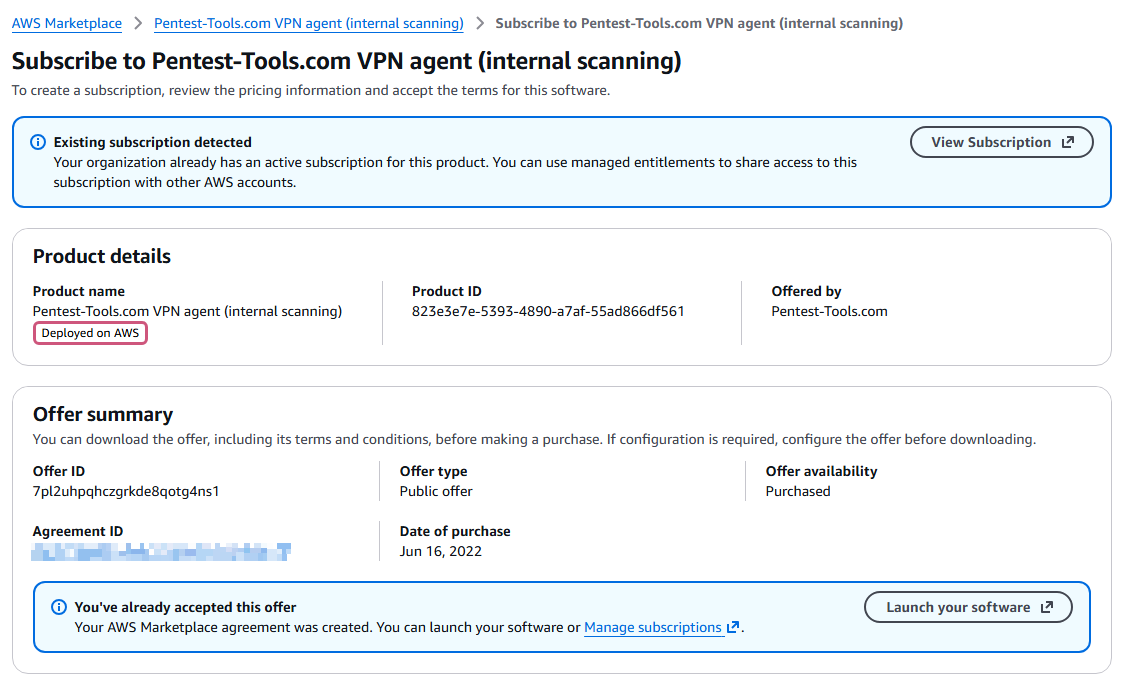
2
Launch the instance
You will be redirected to the agreement screen (TBD name in aws). From here, you need to Launch new instance.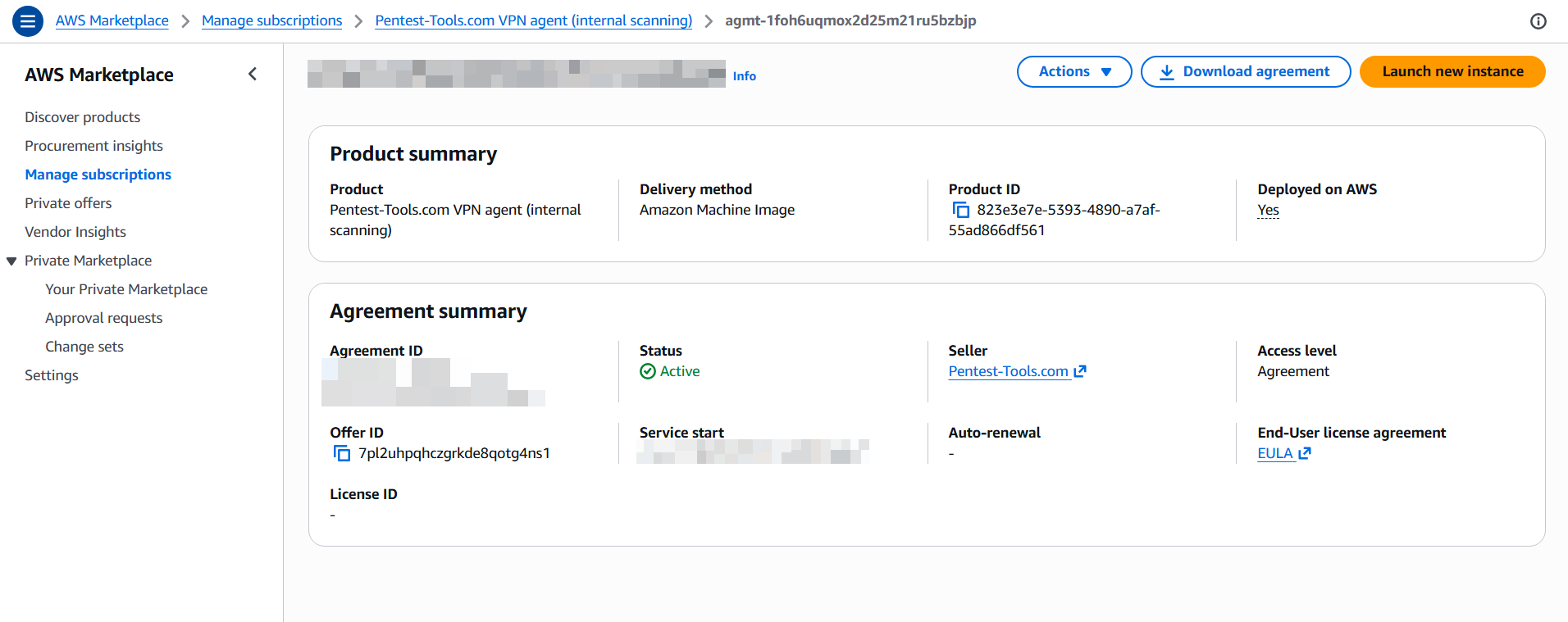
3
Configure the instance
We recommend using One-click launch from AWS Marketplace. Choose your instance type (t3.micro or larger) and select the VPC and subnet where your targets are located.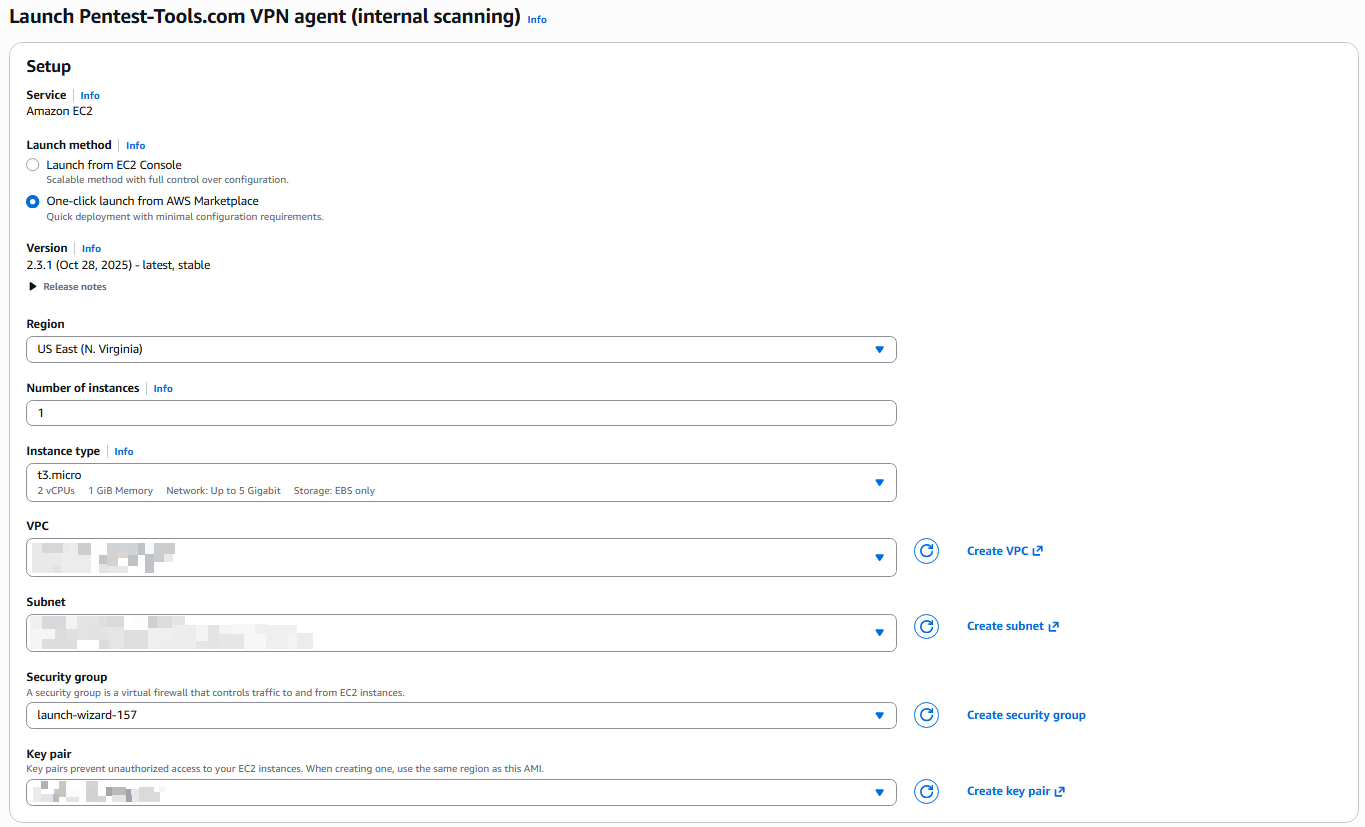
4
One-click launch
After the setup is done, click Launch.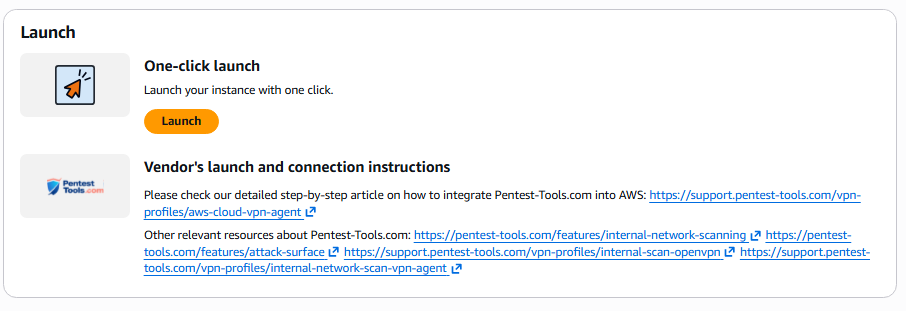
5
Configure the security group
The agent only needs outbound TCP port 22 to
vpn2.pentest-tools.com (the Europe region) or vpn-us.pentest-tools.com (the US region), depending on the region your account is in. No inbound ports are required, though you may want SSH access (port 22 from your IP) for management.6
Activate the agent
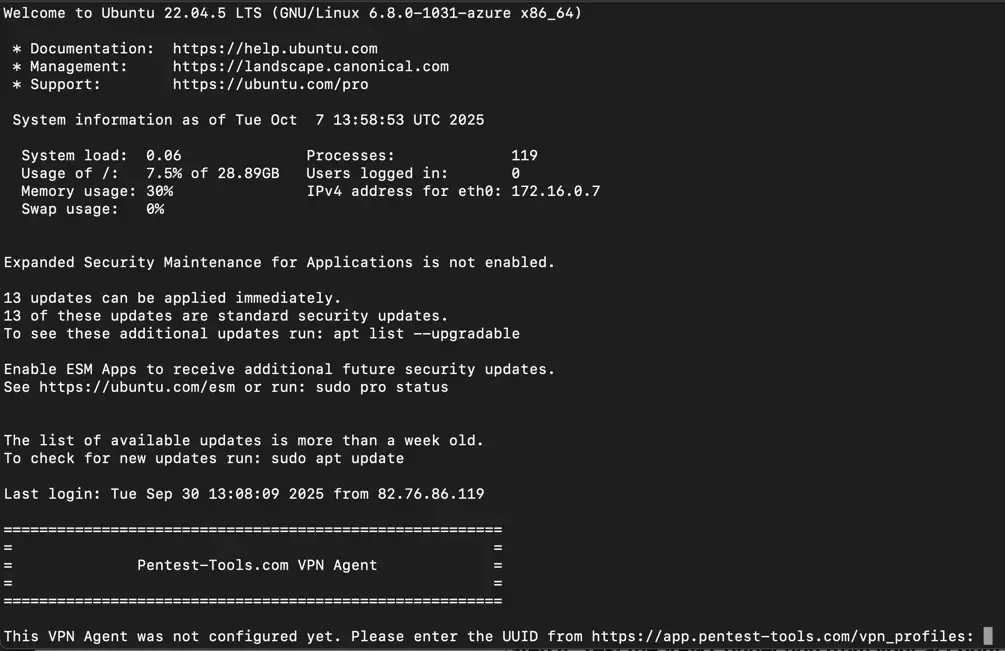
SSH into the instance via your terminal as 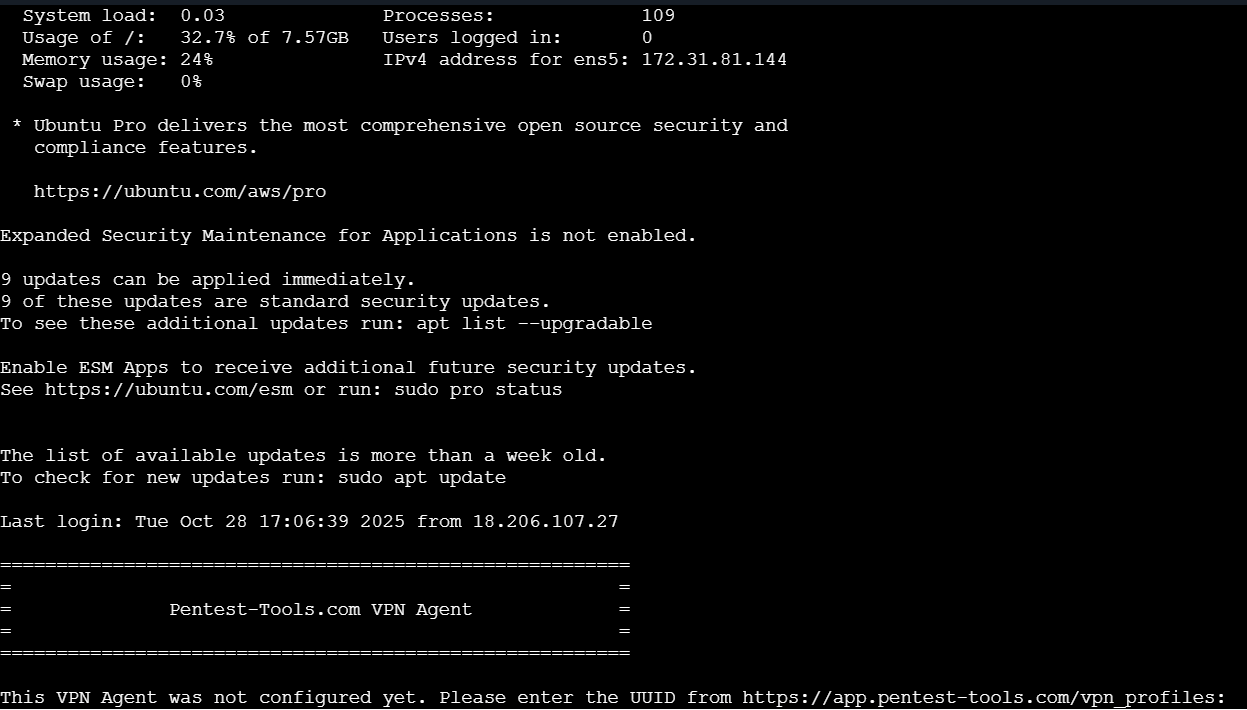
ubuntu using your key pair. An interactive prompt asks for your VPN UUID (found on the VPN Profiles page). Enter the UUID, and the agent starts automatically.7
Verify connection
Check that your VPN profile shows as Online in the dashboard.
Instance recommendations
Multi-VPC scanning
To scan resources across VPCs, you can use VPC Peering or Transit Gateway to route traffic, or deploy a separate agent in each VPC.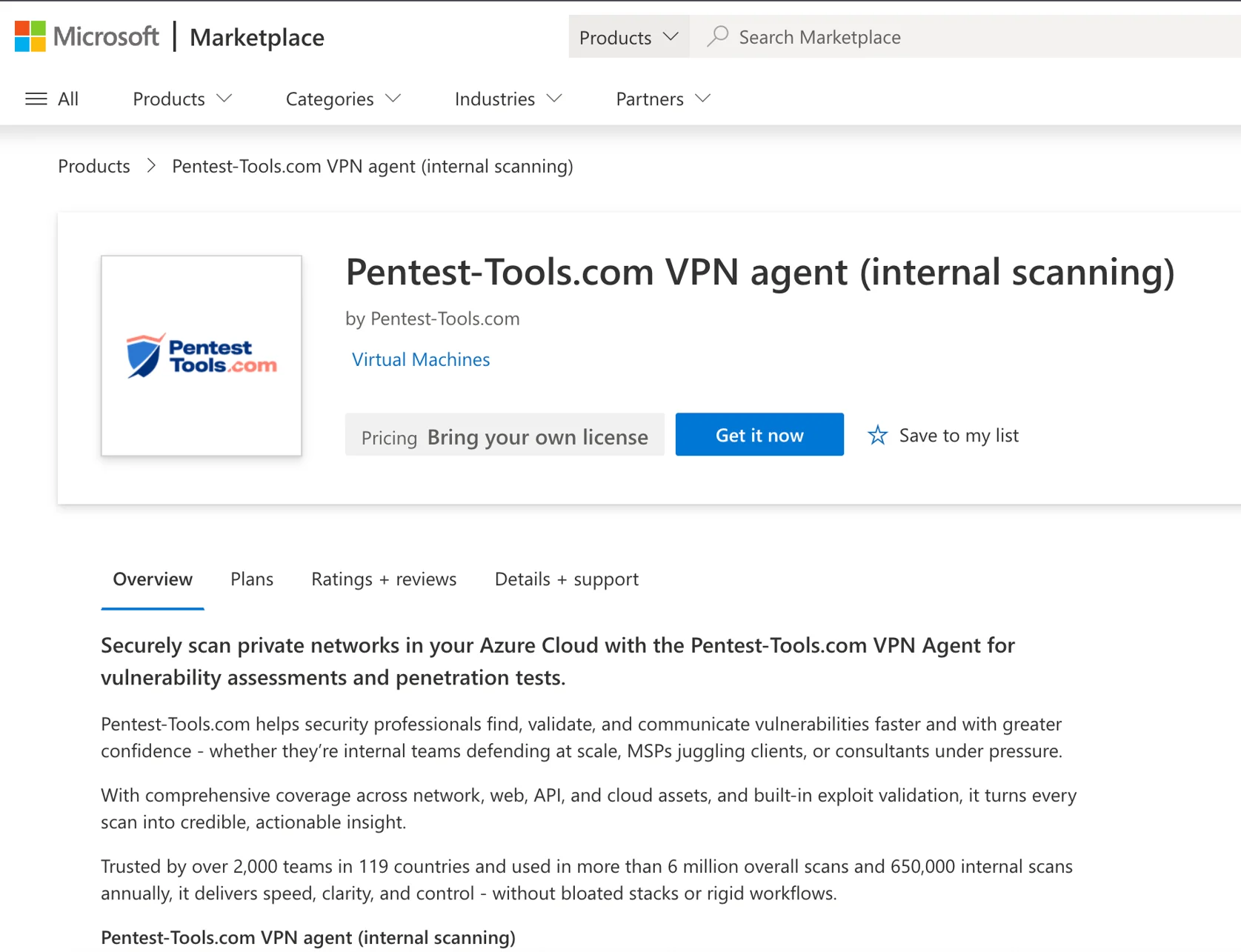
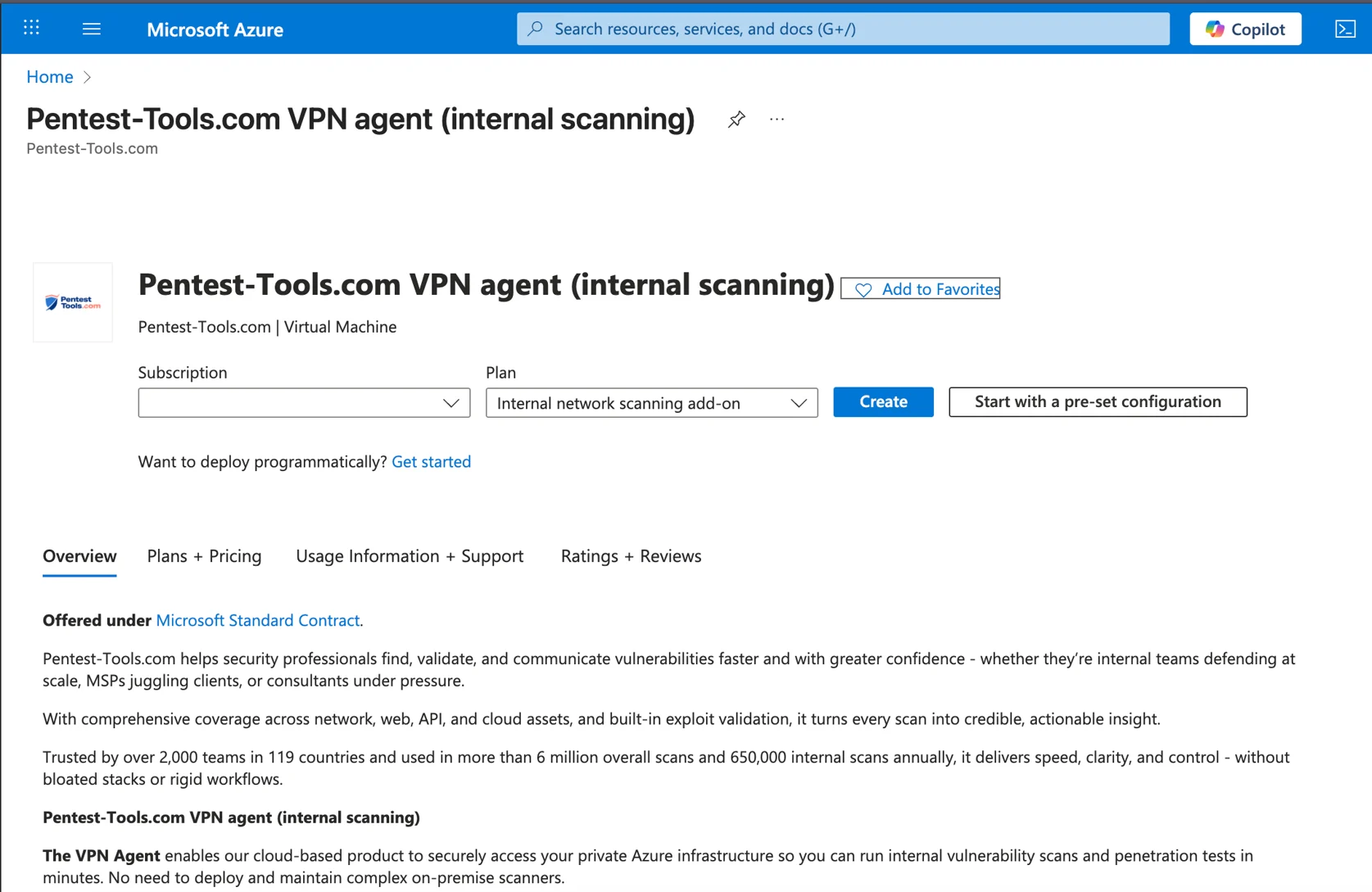
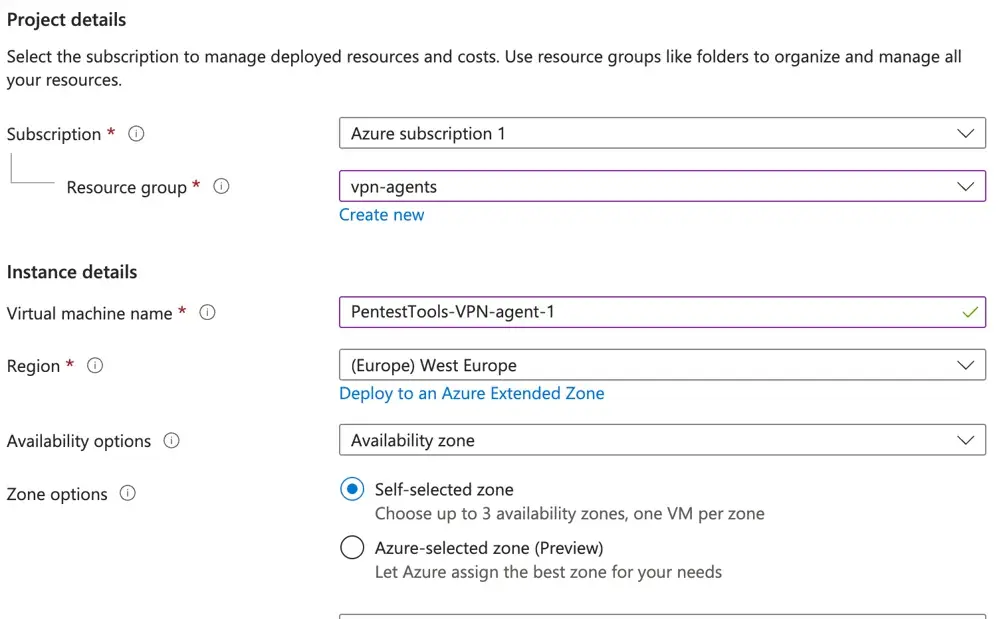
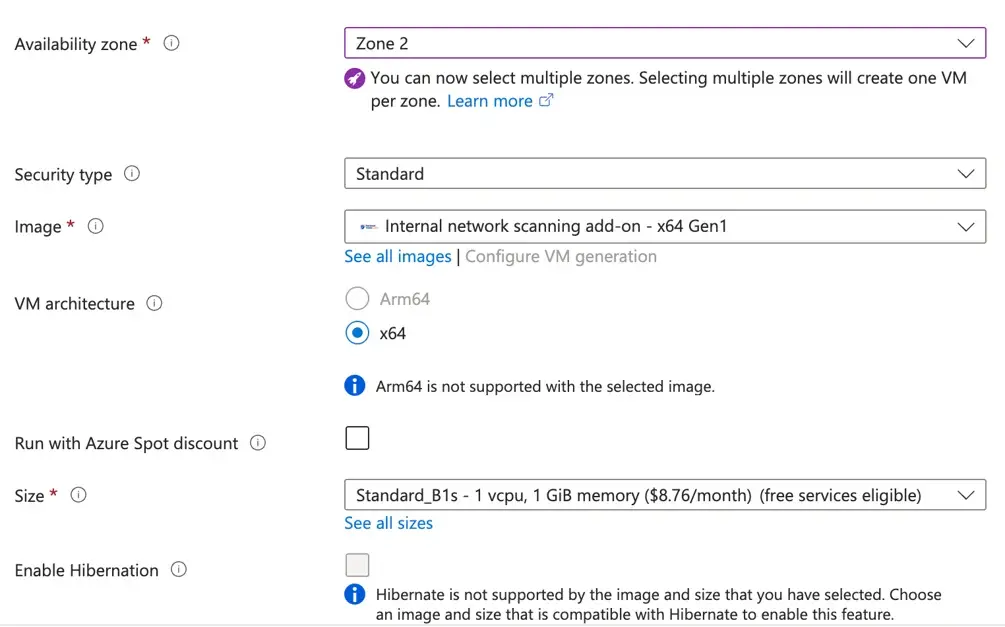
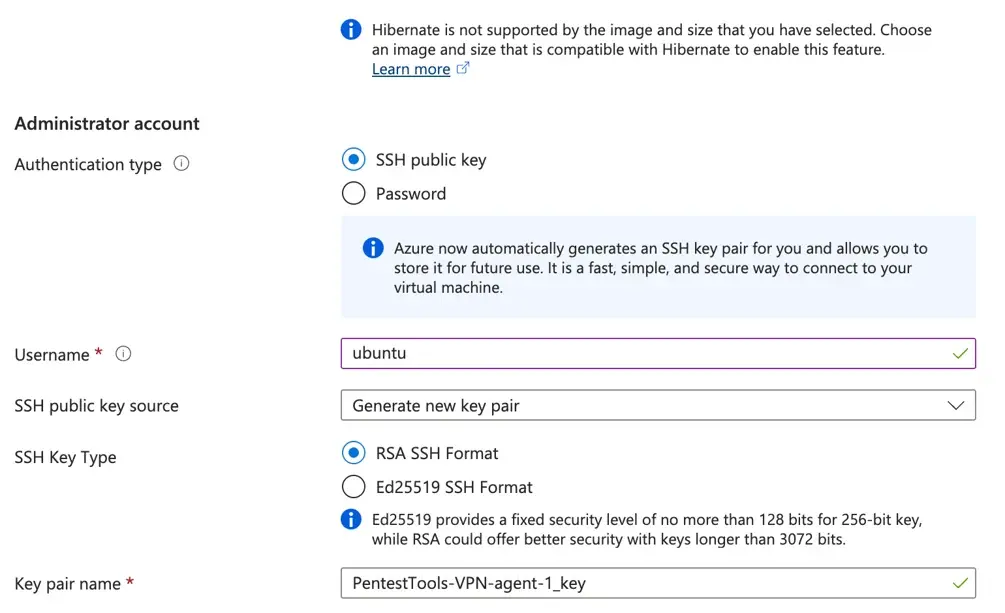
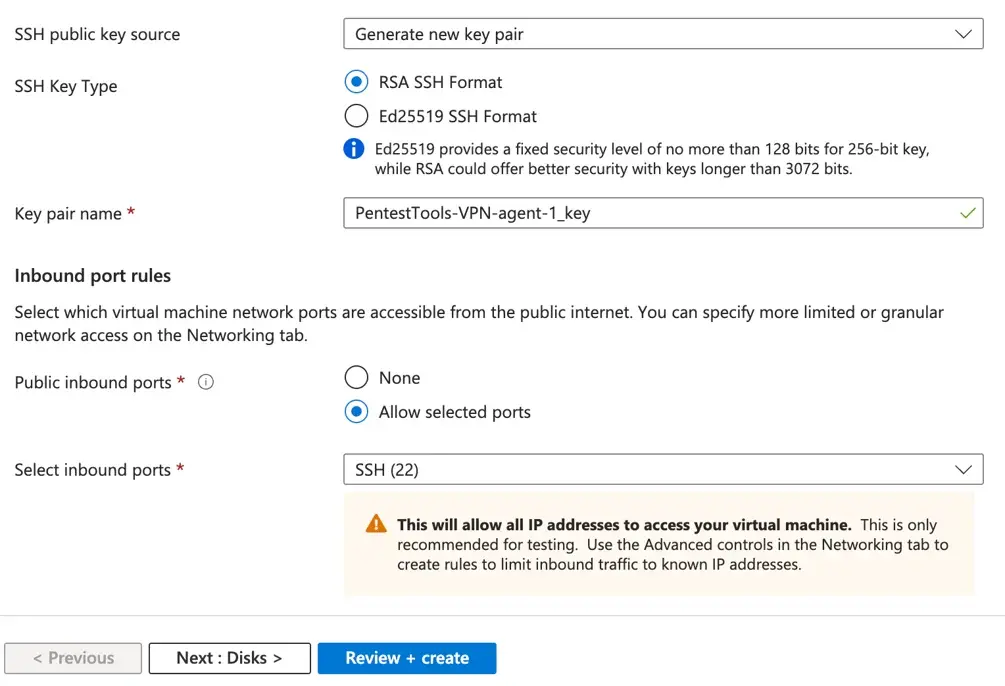
You can also deploy the VPN agent using the Docker image on any cloud VM instead of using the marketplace images. The marketplace images are pre-configured.