

Google Hacking
Run powerful advanced search operators (Google Dorks) instantly and find sensitive information about target websites. No guesswork, all insight - directory listings, sensitive files, login points, and more.
Try the full scanner free for 7 days
Deep scans, authenticated scans, professional reports.
Business email + card required · Cancel before day 8, pay nothing.

Run powerful advanced search operators (Google Dorks) instantly and find sensitive information about target websites. No guesswork, all insight - directory listings, sensitive files, login points, and more.
Try the full scanner free for 7 days
Deep scans, authenticated scans, professional reports.
Business email + card required · Cancel before day 8, pay nothing.

What is Google hacking?
Google hacking (or "Google dorking") uses advanced search operators to uncover publicly indexed sensitive information such as exposed files, misconfigurations, and forgotten web pages. It serves as passive reconnaissance, allowing you to discover public vulnerabilities without ever touching the target's infrastructure.
Why it matters
For security teams, Google hacking is a critical first step: find your exposure before bad actors do. For penetration testers and MSSPs, it speeds up the OSINT phase and defines the scope of every assessment.
Unlike active vulnerability scanning, Google hacking requires zero infrastructure contact - you discover what's already public. This makes it fast, quiet, and legal when performed on authorized targets within defined scope.
How Google Hacking works

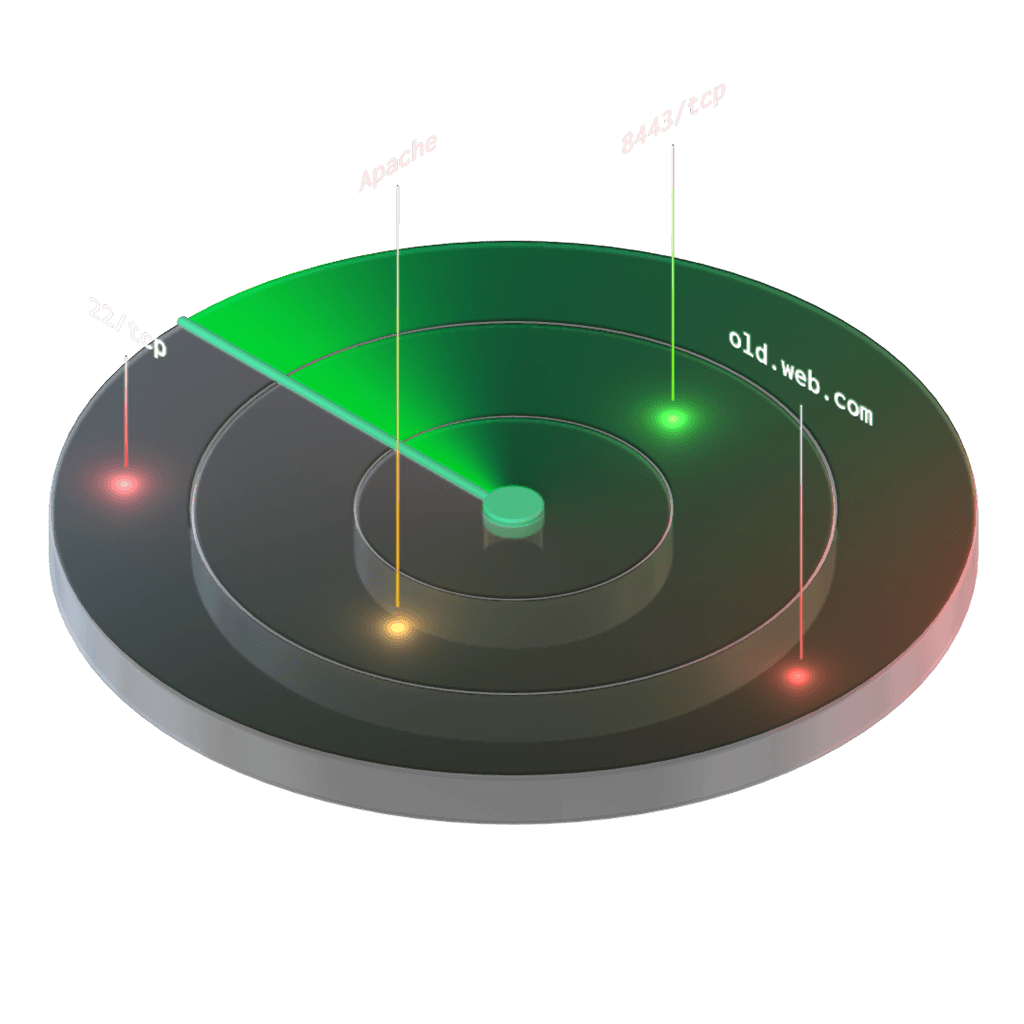
Choose your target domain
Enter your target domain to start. Google returns results for all associated subdomains, helping you map a wider surface area fast.
Select a search category
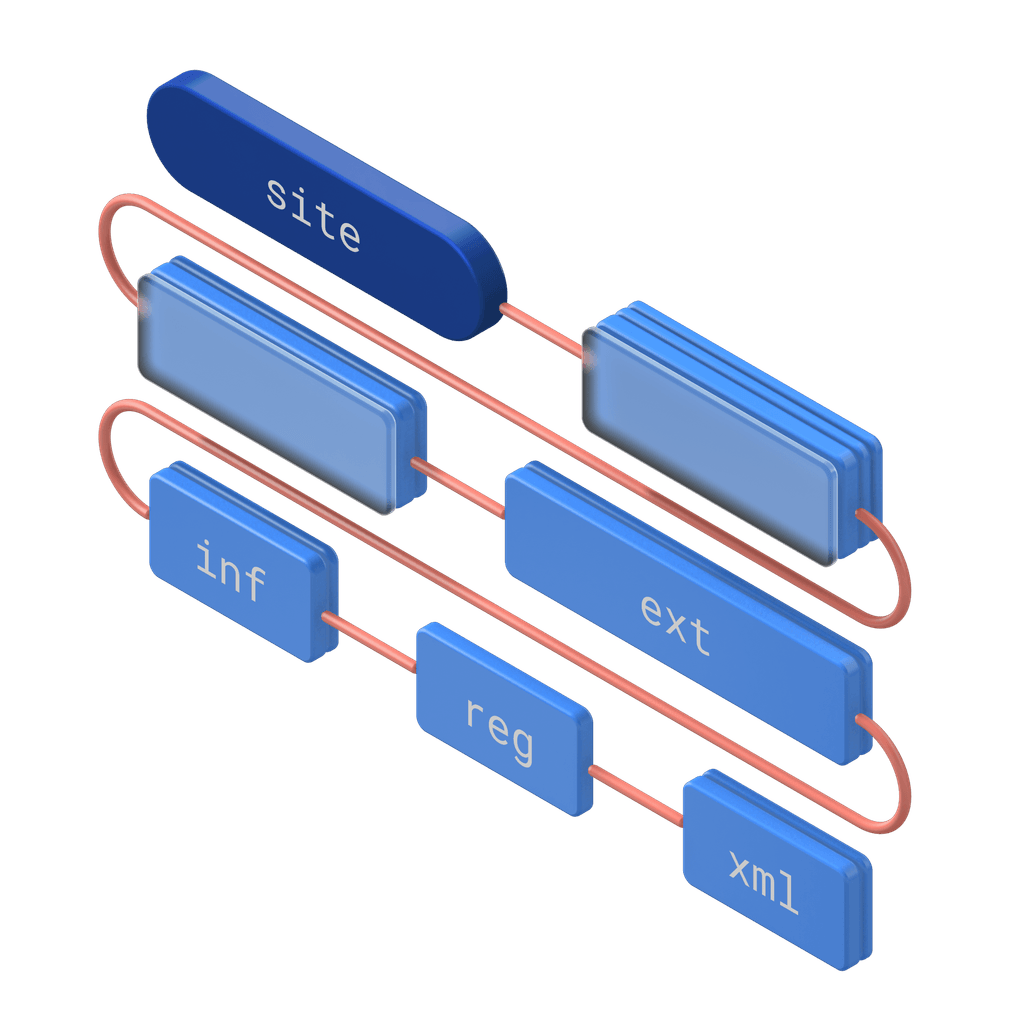
Pick from pre-built search categories like exposed files, error messages, or external sources. The tool formats the advanced search operators for you, so you don't have to memorize complex syntax.
Review real-time results
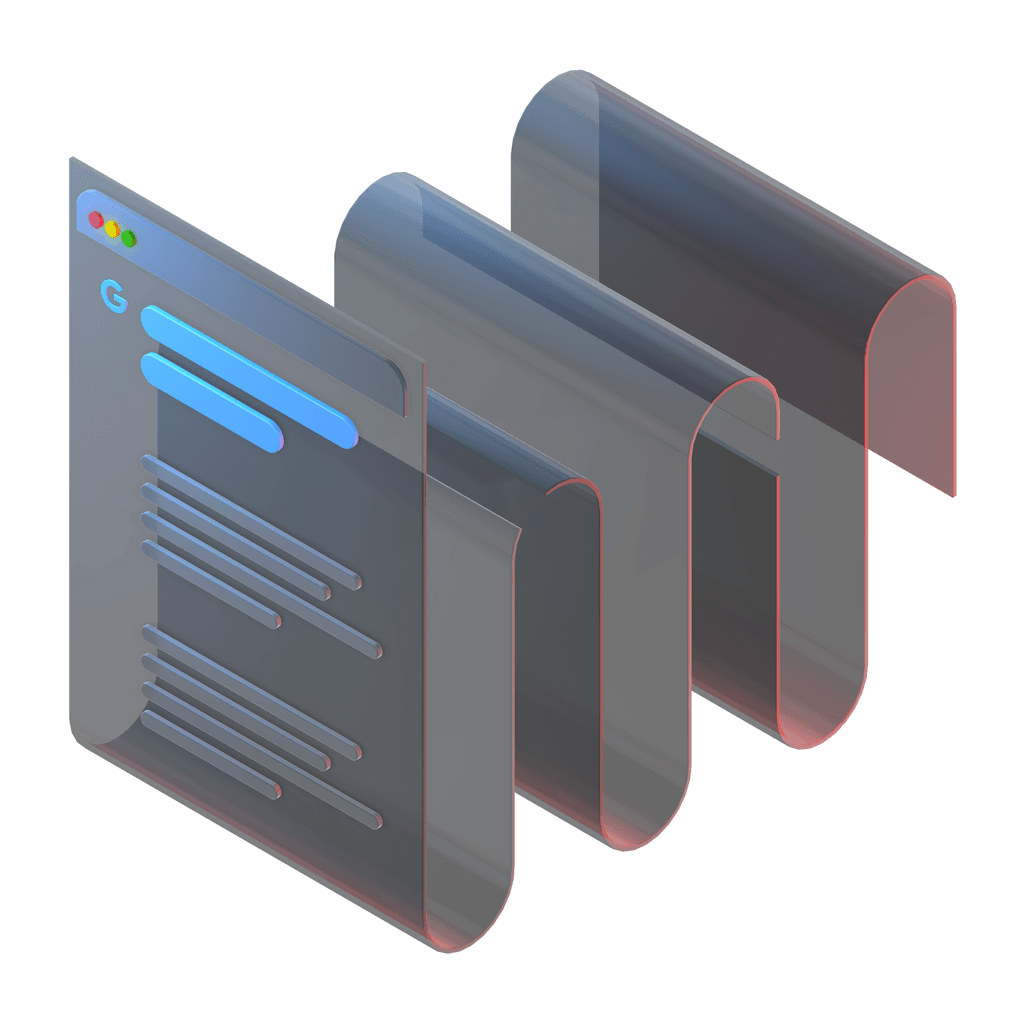
The tool opens a new browser window with the Google search results. Queries execute locally in your browser, giving you instant results without waiting.
Get a head start on your recon phase.
Gather intel without touching the target’s infrastructure. Speed up scoping by identifying exposed files and forgotten subdomains. Integrate results into your existing workspaces.
Find exposed sensitive files
Run pre-set Google dorks to discover publicly indexed documents, configuration files, SQL dumps, and old backup files. Find exposed data instantly before running the Website Scanner or API Scanner.
Discover forgotten login endpoints
Map your attack surface by finding hidden admin panels, sign-in forms, and registration pages. Use these insights from Google dorking to define the scope of your assessments and test for missing authentication protocols.
Expose server error messages
Identify database and PHP error messages indexed by search engines. These errors often reveal underlying file structures and software versions, giving you a head start before testing with an XSS scanner.

Get more than passive recon. Automate your entire security workflow.
Built for modern security teams and MSSPs
Internal security teams
Gain continuous visibility over your organization's attack surface. Find forgotten assets indexed by search engines and reduce blind spots. See how we ensure our results are highly accurate so you can prioritize your next move based on reliable results: all available with a paid plan.
See how we help

Managed Security Providers (MSPs)
Speed up reconnaissance across client environments. Standardize OSINT gathering and deliver actionable insights. Check out our use cases to see how this fits into a full assessment, and protect your margins with a paid plan that scales with your client base.
See how we help

IT Teams
Find out what search engines reveal about your organization before attackers use it. Spot exposed documents, login pages, and open directories without deep security expertise, and rely on accurate results to decide what needs attention first. Repeat these checks as your footprint changes and connect them to the rest of your assessments with a paid plan built for teams managing their own infrastructure.
See how we help

Find your subdomains' vulnerabilities before auditors do.


What customers are saying
We use this tool to scan our customers' websites. We particularly like that we can subscribe to the tool monthly. The simple operation makes it easier for us to design our work professionally. The results of the scan are very good. Pentest-tools.com is a reliable partner for us. We are very satisfied. Use it and you will learn to love it!
Marco Kuhl
IT Consultant at Kuhlma IT Solutions



Speed up your assessments with clear evidence
We provide results you can trust. Run repeatable scans, organize your workflows with dedicated workspaces, and deliver branded, audit-ready reports that prove impact without the manual overhead.

Ready for your next step? Try these tools


Network & Cloud recon


Try the light version for free

Google Hacking FAQs
What is the Google Hacking tool?
The Google Hacking tool uses advanced search operators (Google dorks) to discover exposed sensitive information, misconfigurations, and forgotten pages indexed by search engines. As a dedicated Google dorking website, we help you automate these manual queries.
Does this tool run a scan on your servers?
No. Unlike our other vulnerability scanners, this tool formats the search query and opens a new browser window. You perform the search directly on Google, giving you real-time results.
Will this tool test my website for vulnerabilities?
No. Google Hacking is a discovery tool. It helps you find publicly indexed information like exposed files or login pages, but it does not send payloads or test for vulnerabilities.
What are the most common Google dorks?
Common Google dorks include:
filetype:env— finds .env configuration files with API keys and secretsinurl:admin— discovers admin login pages and forgotten panelsintitle:login— locates login forms across the website:example.com filetype:pdf— finds PDFs hosted on a specific domaininurl:backup or filetype:bak— uncovers backup fileserror 404 site:example.com— reveals directory structures via error pagescache:example.com— views cached versions of a site (useful if the live version is patched)
Our tool includes pre-built dorks for the most common discovery scenarios, so you don't need to memorize syntax.
Can I use Google hacking on any website?
No. Google hacking must only be performed on targets you own or have explicit written permission to test. The technique itself is legal(you're searching publicly indexed data) but the way you use the findings must be authorized. Always ensure you have a signed scope document that permits OSINT discovery. Using Google hacking against a competitor or target without authorization is unethical and potentially illegal.
How does google hacking compare to other OSINT tools?
Google hacking discovers what's already in Google's public index using their own search operators. Other OSINT tools may:
- Use specialized data sources (DNS records, historical whois, certificate transparency logs)
- Automate searches across multiple platforms (Shodan, Censys, GitHub, etc.)
- Provide enrichment (IP geolocation, technology stacking, whois history)
Google hacking is fast and free, but it shows only what Google has indexed. Combine it with other OSINT tools to build a complete picture of your target's attack surface.
Why do I need to allow pop-ups?
Because the tool uses your browser to make requests directly to Google, it needs to open a new tab or window to display the search results.
What types of exposed files can I find?
You can search for publicly exposed documents (Word, Excel, CSV), directory listing indexes, configuration files (XML, JSON, ENV), database dumps, log files, and old backup archives.
Can I use this tool to find subdomains?
Yes. When you enter a root domain as your target, the search results will include publicly indexed subdomains, helping you map your external attack surface.
Does this tool search platforms other than Google?
Yes. The tool includes pre-built queries to search external sources like Pastebin, GitHub, GitLab, StackOverflow, and the Wayback Machine for exposed credentials or historical data.
Is this tool included in the Free edition?
Yes. You can use the Google Hacking tool as part of our free tools to run basic reconnaissance and attack surface mapping without a paid subscription.
Do searches add data to my attack surface dashboard?
No. Because the queries run locally in your browser and not on our infrastructure, the results do not automatically populate your attack surface or generate centralized findings.
How do I use the results from this tool?
Use the discovered endpoints, subdomains, and exposed files to define the scope of your penetration test. You can then run targeted scans, like an authenticated web app scan or an API test, against the assets you find.